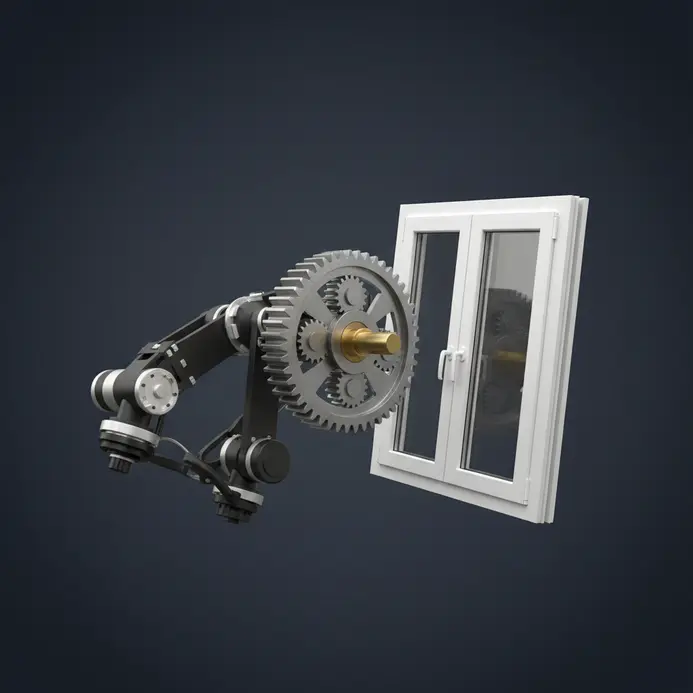
What You Need to Start Learning from Free 3D CAD Downloads
Extract genuine value from standard CAD files by mastering foundational software operations first. Install an open-source platform to open STEP, STL, and native project files without purchasing expensive licenses. Maintain an organized directory structure for source files, screenshots, and modified versions during workflow transitions. Select straightforward components for your initial projects, such as mounting brackets or basic enclosures. Examining these models teaches essential skills like extrusion, filleting, and sketch constraints while revealing the original designer intent.
How to Choose the Right CAD Software for Your Learning Style
Select the optimal application based on your preferred method for reviewing and editing digital assets. Inspecting parametric designs requires a platform that handles STEP files while supporting feature trees and geometric constraints. Mesh-based workflows demand robust tools for repairing and manipulating polygonal surfaces intended for rapid fabrication. Beginners benefit from software that displays sequential operations, which simplifies reverse engineering when analyzing downloaded parts. Match your chosen program to specific tasks like structural testing, dimensional verification, or custom modification.
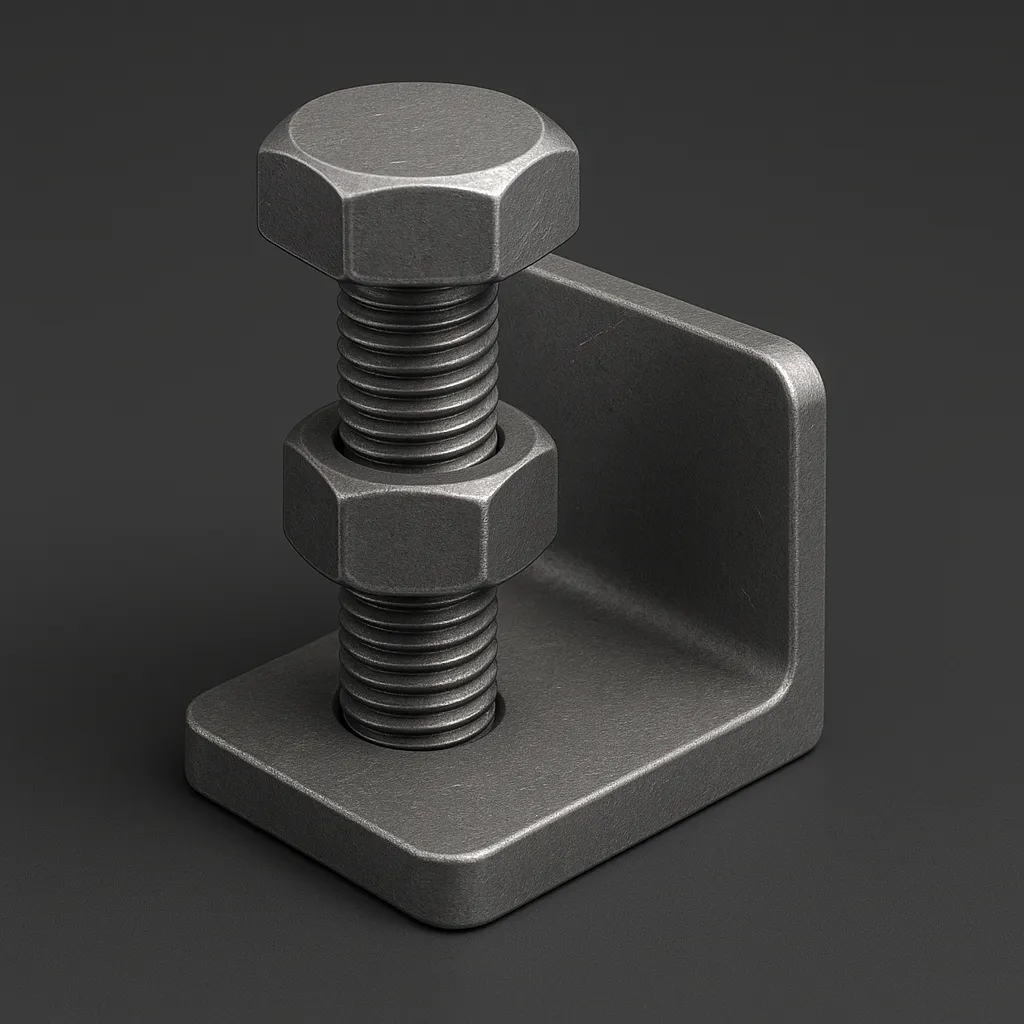
1. Mechanical Parts — Start Your Build With Free Fastener and Bracket CAD Files
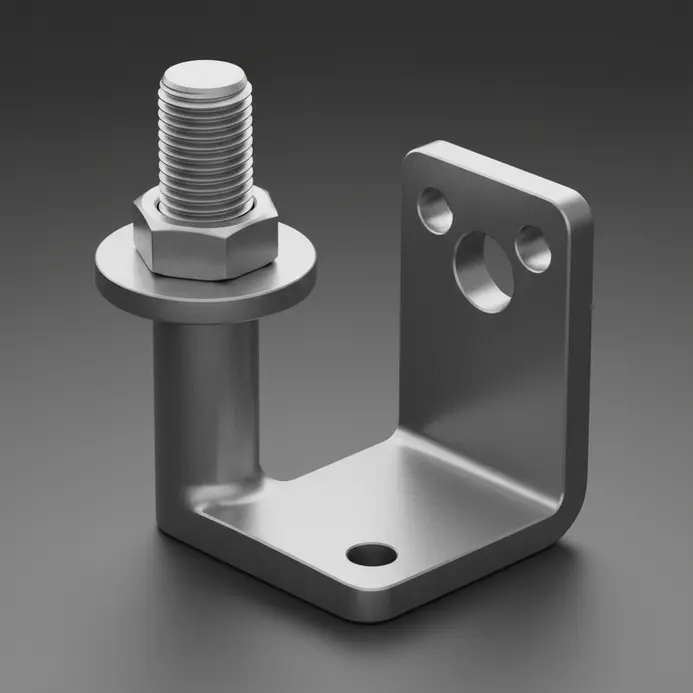
Perfect assembly alignment requires standardized hardware rather than manually drafting every fastener from scratch. Obtaining 3d cad drawings free download for standard components eliminates dimensional guesswork and ensures precise thread engagement. Engineers trust manufacturer libraries to generate complete parts lists and validate clearance tolerances before production begins. Grabbing verified models directly from supplier catalogs guarantees accurate geometry and immediate parametric adjustability. This strategy prevents costly assembly failures and accelerates the virtual testing phase.
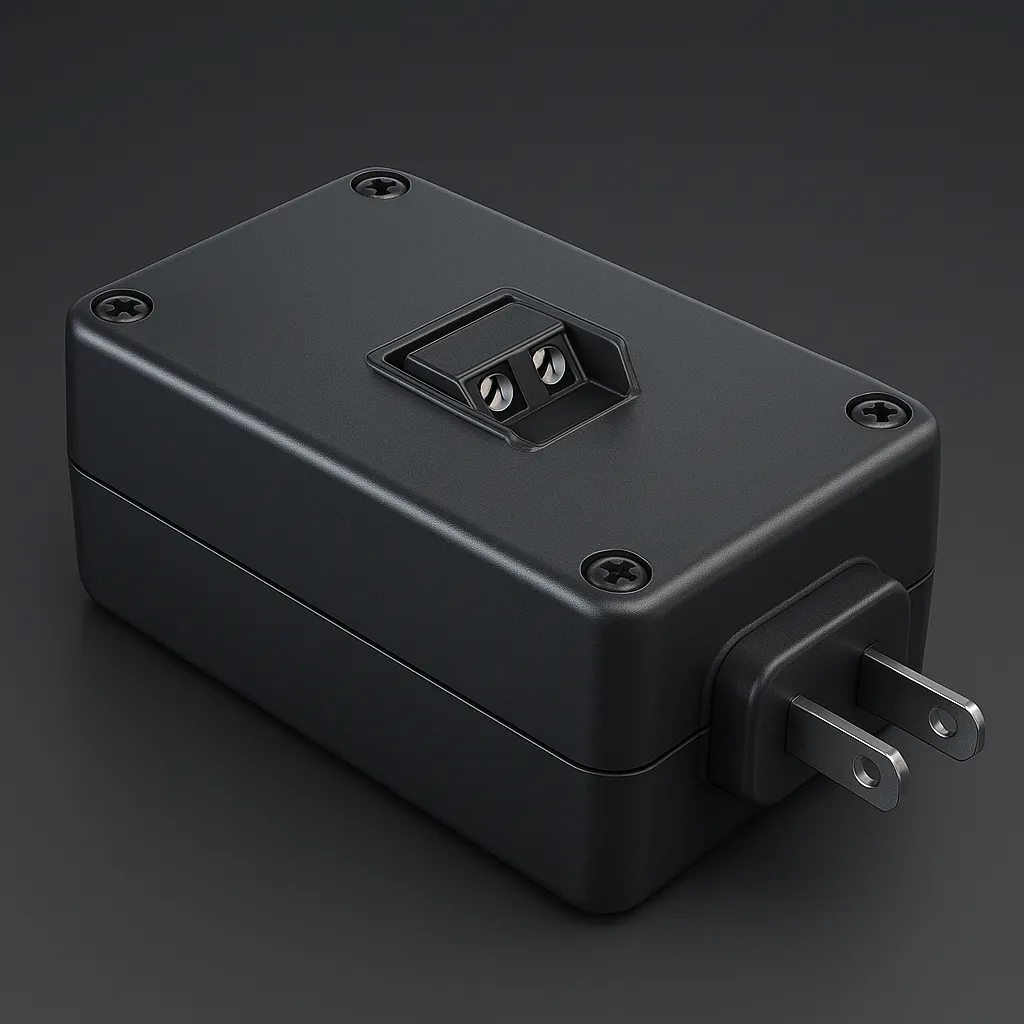
2. Electrical Components — Power Your Designs With Connector and Enclosure Models
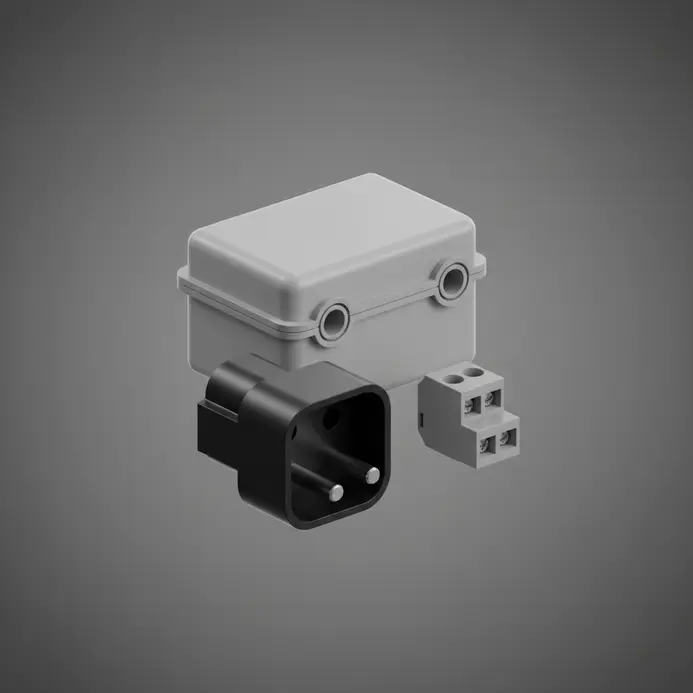
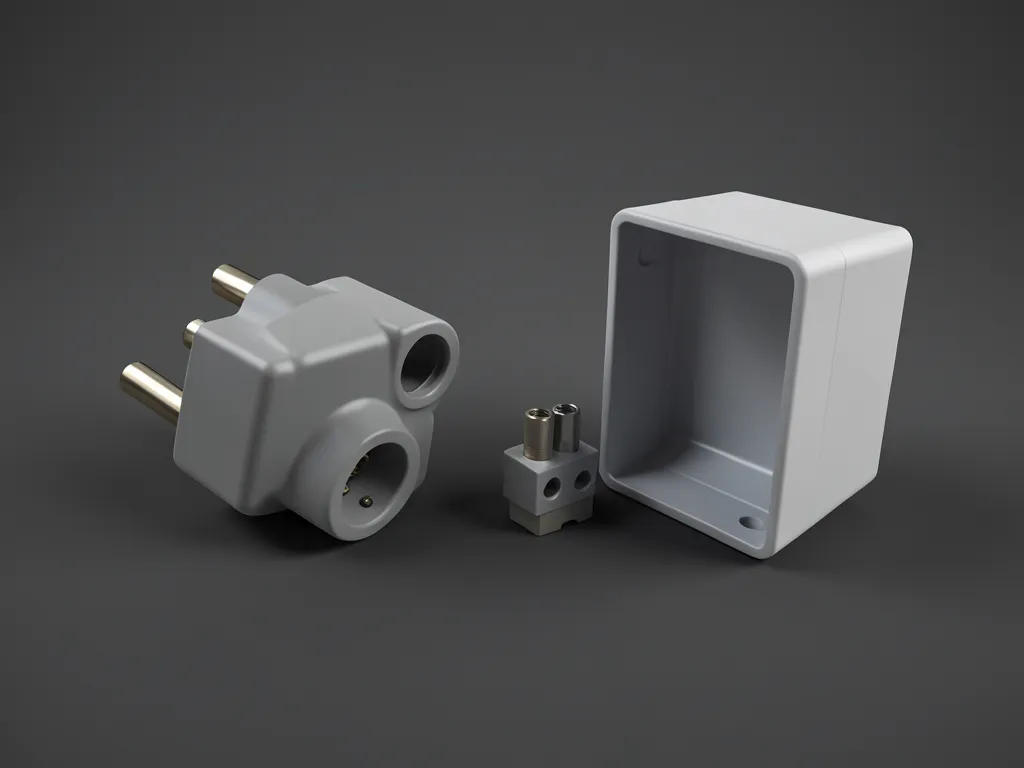
Seamless PCB integration relies on precise enclosure routing and exact port alignment. Validating connector positions within a virtual environment using 3D CAD models catches interference issues before physical prototyping begins. Manufacturers supply verified digital twins for sockets and housings, which transforms guesswork into a visual verification checklist using 3D models. Accessing a reliable 3d cad drawings free download for electronic components streamlines the drafting process significantly. Cross-referencing digital measurements with official datasheets guarantees your design matches real-world inventory.
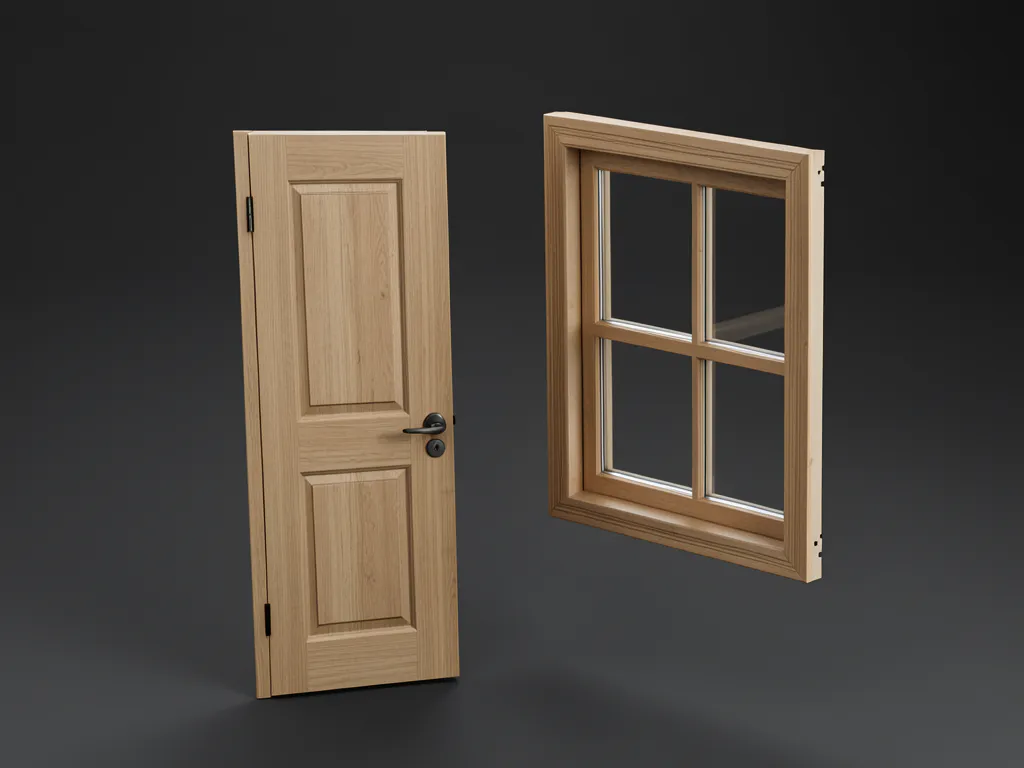
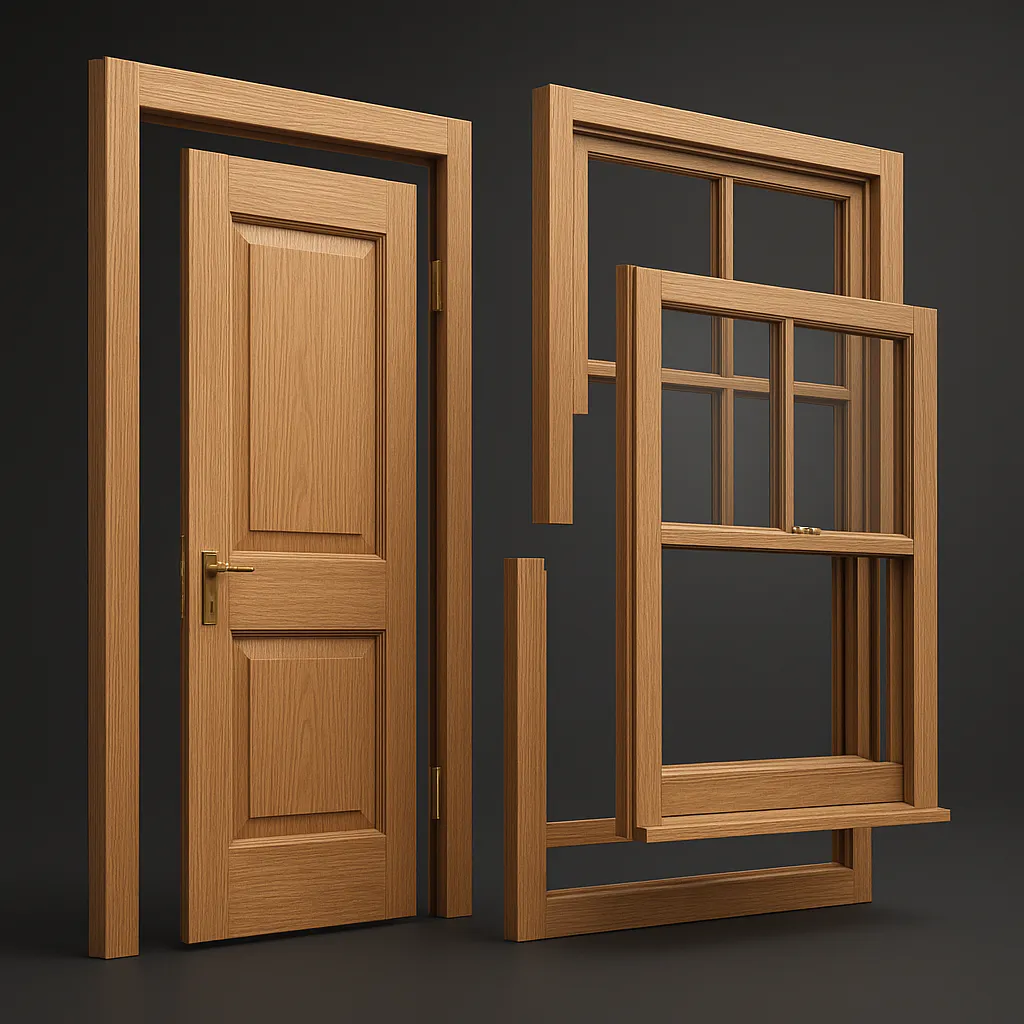
3. Architectural Elements — Frame Your Spaces With Free Door and Window CAD Files
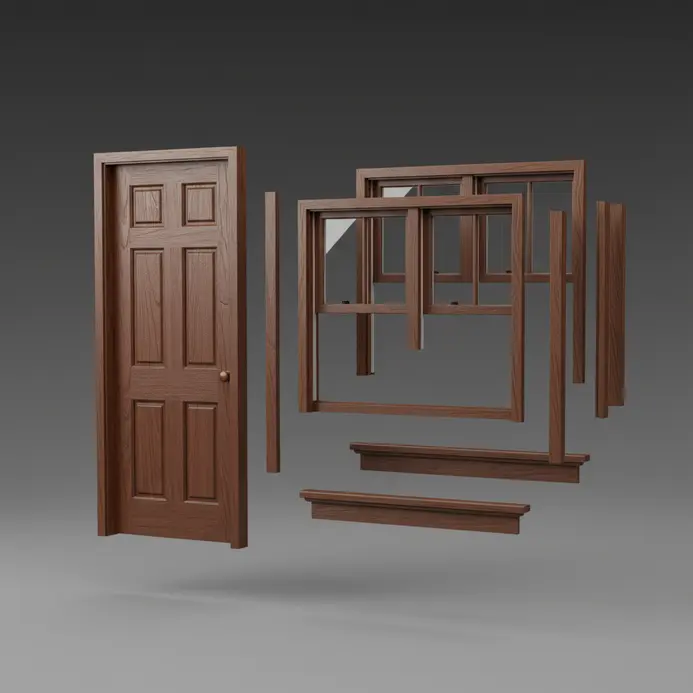
Instant architectural composition requires properly scaled structural components to establish accurate room proportions. Drafting complex fenestrations and swinging doors consumes substantial modeling hours, which readily available blocks completely bypass. Locating 3d cad drawings free download resources for entryways and glazing units provides immediate scale references. You must verify imported dimensions against standard construction specifications immediately after opening the file. Maintaining consistent scaling prevents costly revision cycles during spatial planning.
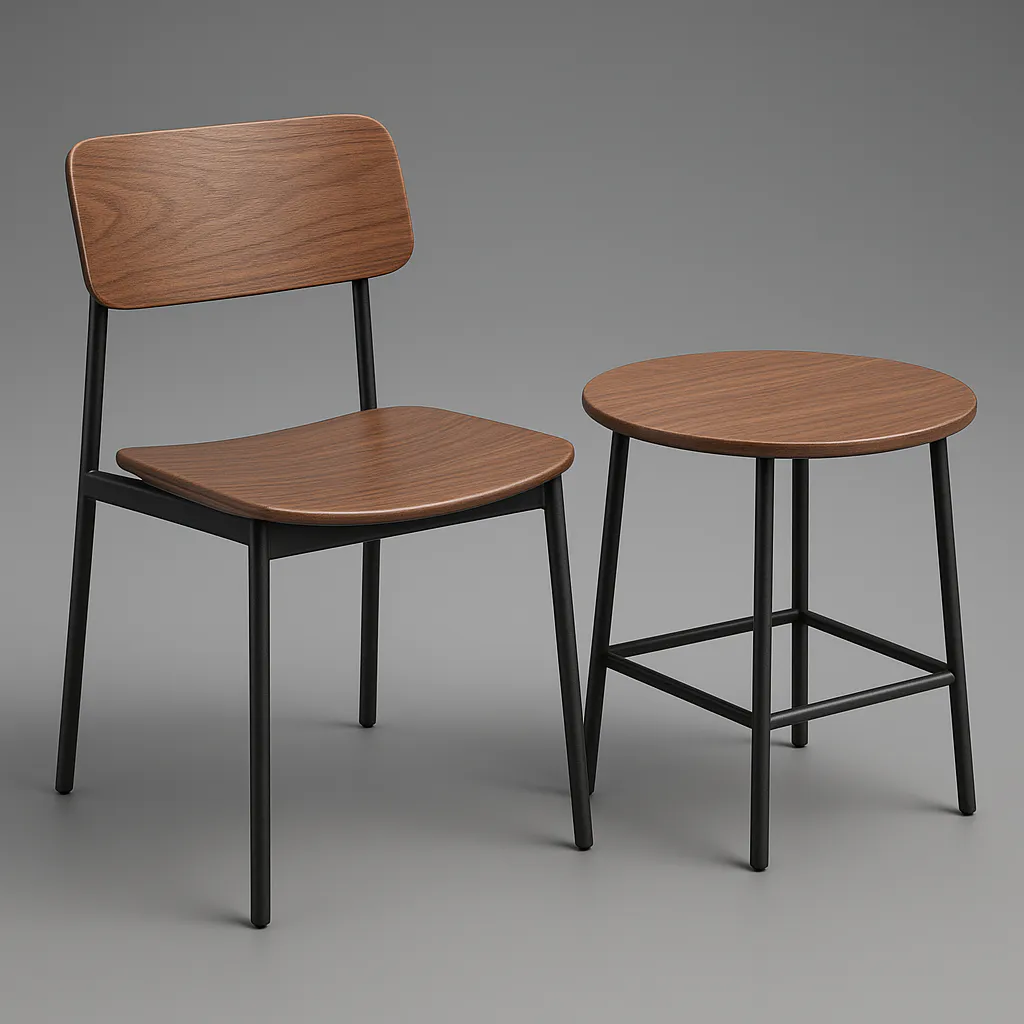
4. Furniture Designs — Why Are Free Chair and Table Models a Game Changer for Interior Mockups?

Presenting fully realized spatial concepts to clients demands recognizable furnishings and accurate spatial relationships, often represented in 2D drawings. Downloading pre-assembled seating and shelving units shifts the design focus toward layout composition rather than repetitive drafting. Compiling a personal 3d cad drawings free download library categorized by aesthetic style enables rapid scene variation. Organized digital inventories of 3D models allow designers to experiment with bold configurations while avoiding redundant creation efforts. Clients connect immediately with recognizable spatial layouts.
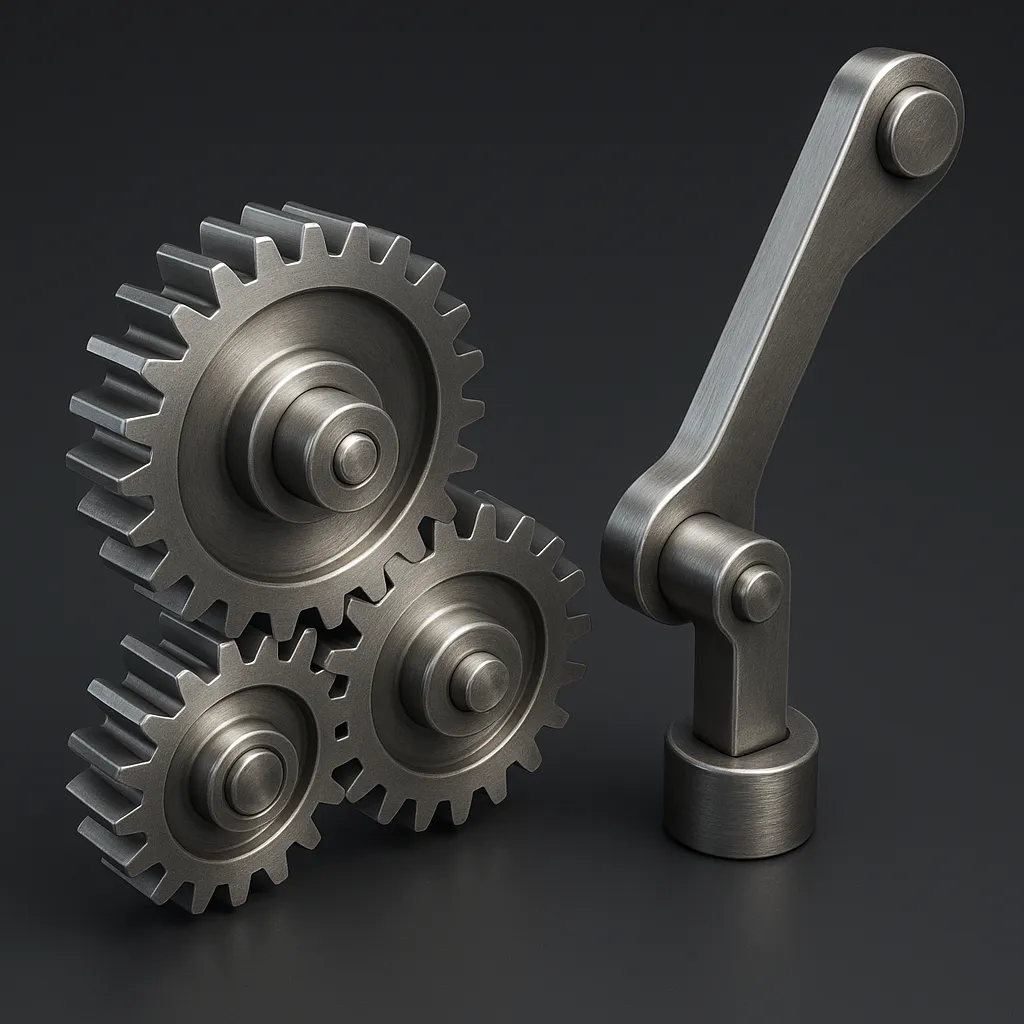
5. Prototyping Models — Test Mechanisms With Free Gear and Lever CAD Downloads
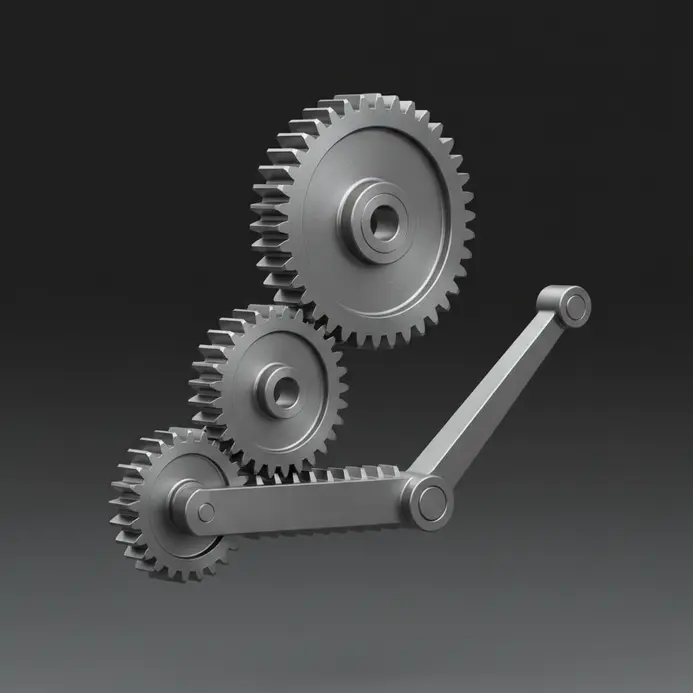
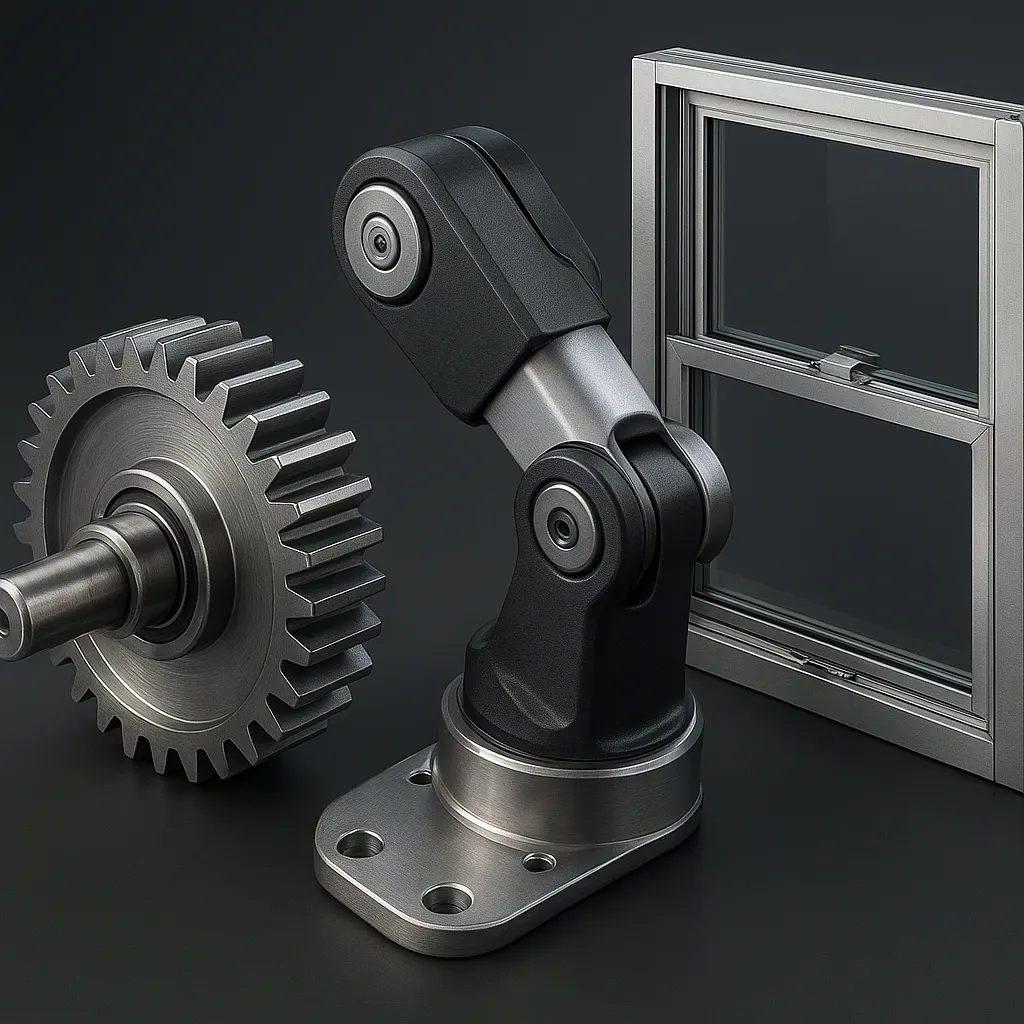
Validating mechanical motion within a digital workspace prevents material waste and reveals hidden design flaws. Assembling pre-built gears, levers, and linkages inside simulation software demonstrates functional kinematics before physical fabrication. Selecting a high-quality 3d cad drawings free download for prototyping ensures accurate tooth profiles and proper pivot clearances. Converting exported files to universal STEP formats maintains geometric integrity across different engineering platforms.
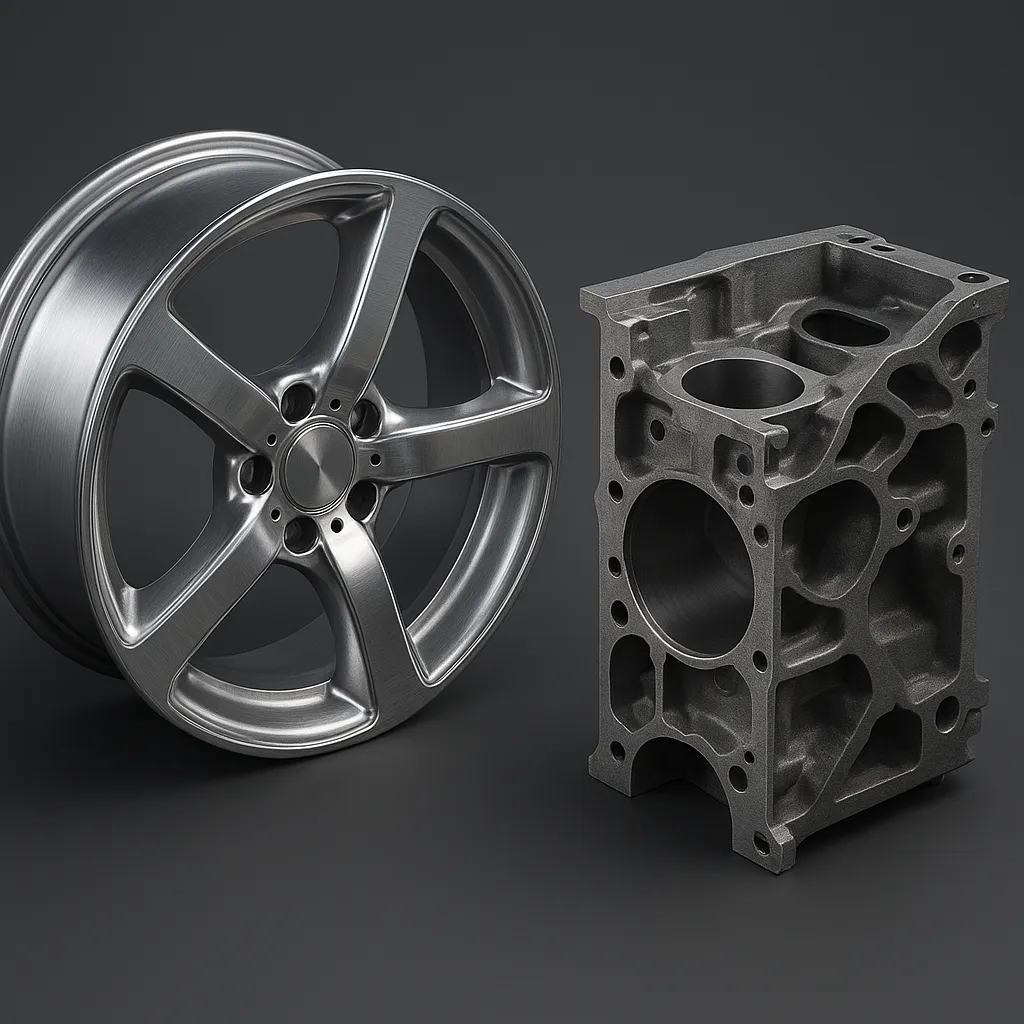
6. Vehicle Components — Add Realism With Wheel and Engine Block CAD Files
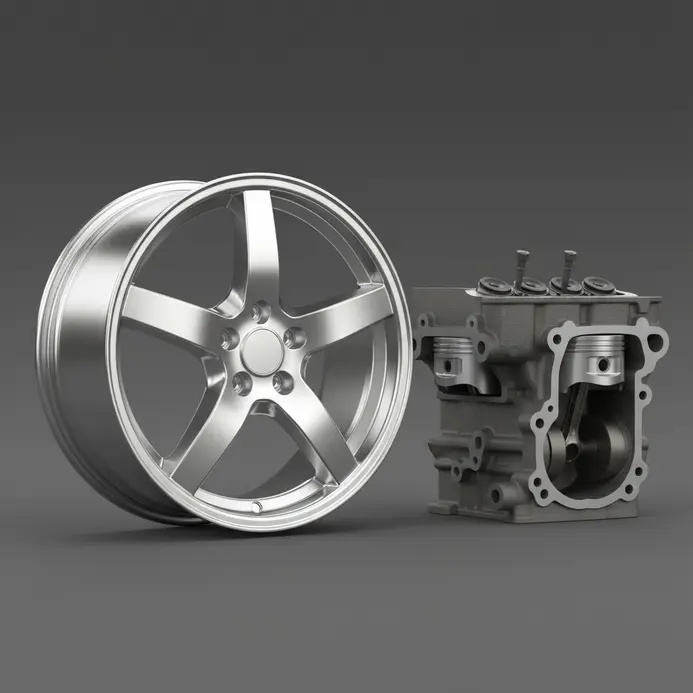
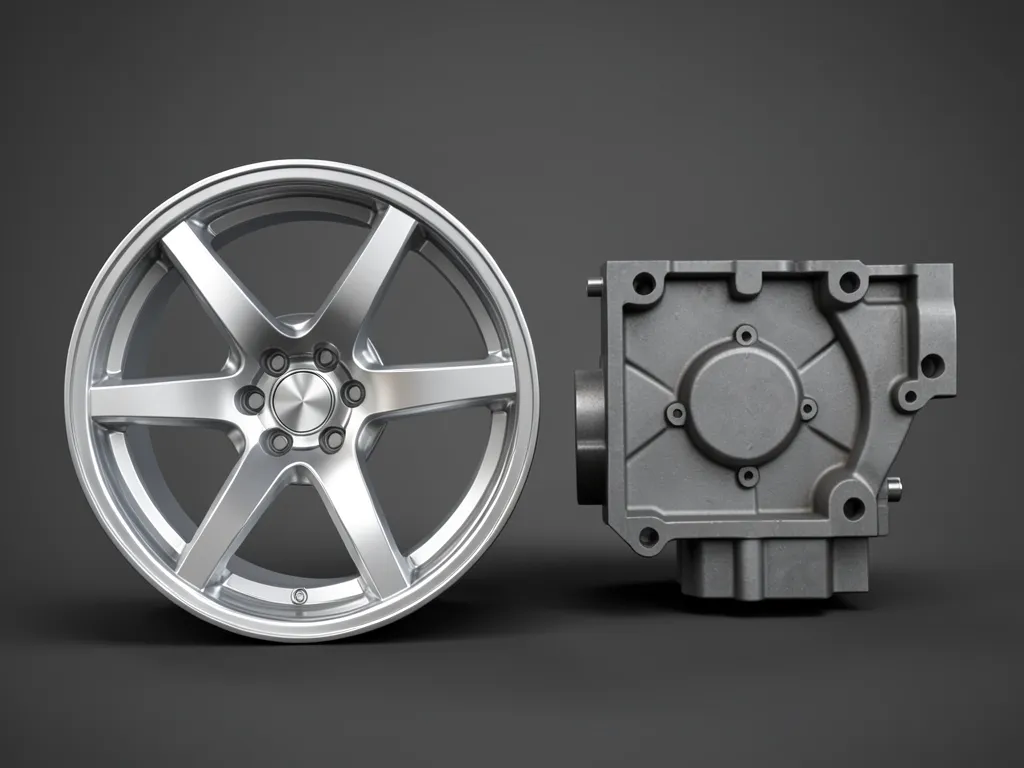
Detailed automotive visualization relies on precise mechanical geometry and realistic surface detailing. Authentic tire treads, metallic rim finishes, and complex cooling passages elevate basic shapes into believable machinery. Filtering a curated 3d cad drawings free download collection by high-poly specifications guarantees optimal rendering performance. Designers select static meshes for rapid visualization and parametric files for structural modification. This targeted filtering of 3D models prevents software lag and maintains visual fidelity during project reviews.
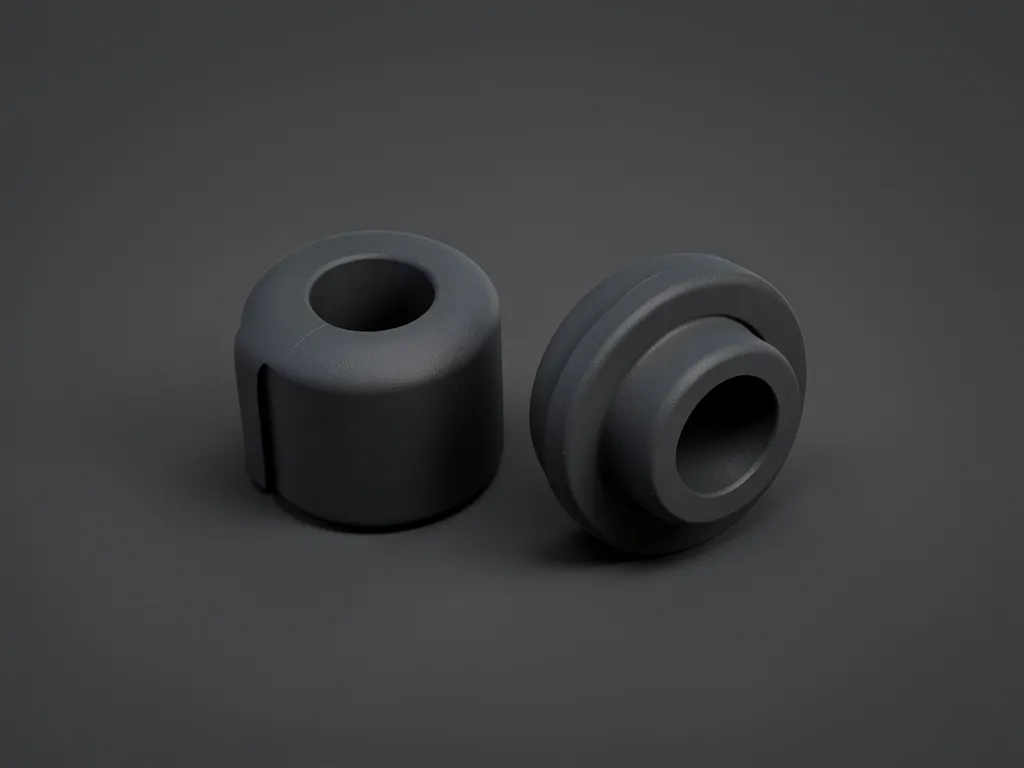
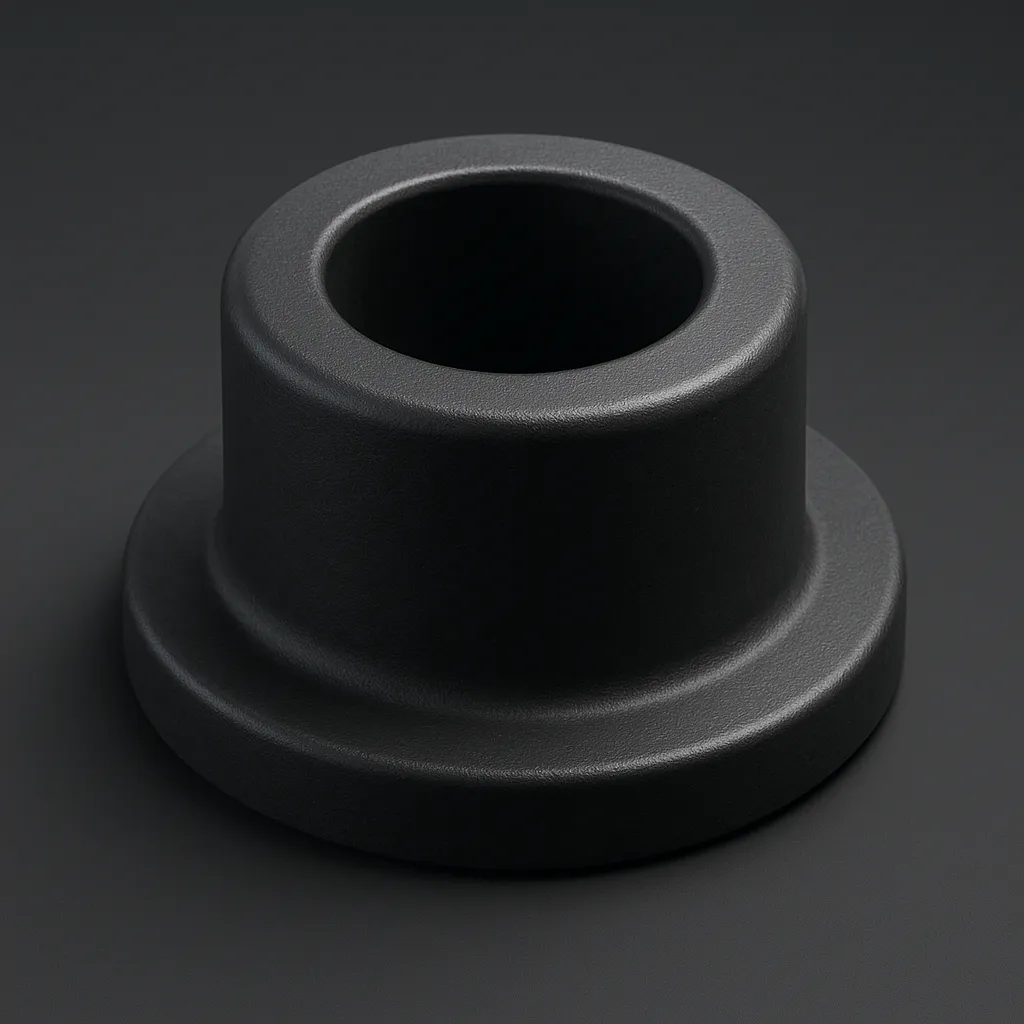
7. Grommets and Bushings — The Free CAD Downloads That Isolate Vibration and Wear
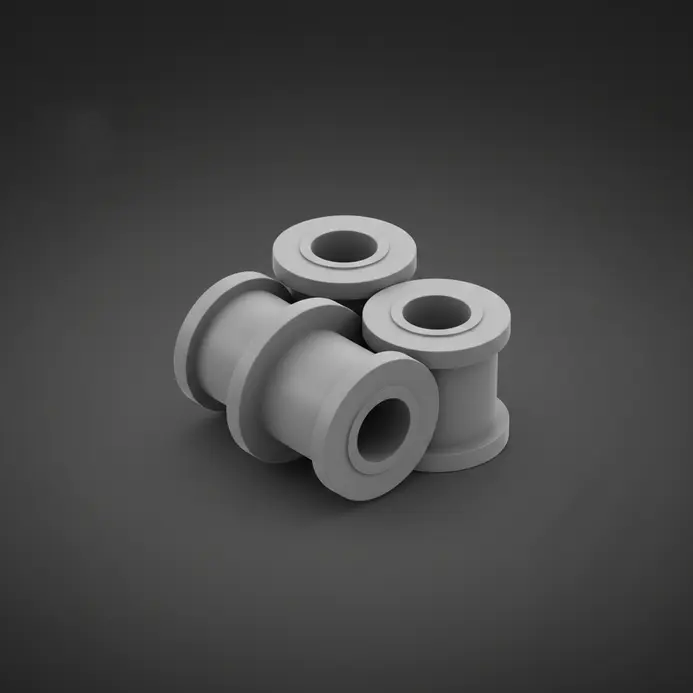
Securing sensitive wiring and dampening mechanical resonance requires specialized isolators within any functional assembly, as outlined in the BIM guidelines. Flexible inserts absorb kinetic energy and prevent destructive metal-to-metal contact during extended operation cycles. Retrieving a compatible 3d cad drawings free download for vibration mounts guarantees structural longevity. Exporting these models as STEP files preserves material properties and exact measurements across different analysis platforms.
8. Fixture Elements — Secure Your Work With Free Clamp and Mount CAD Models
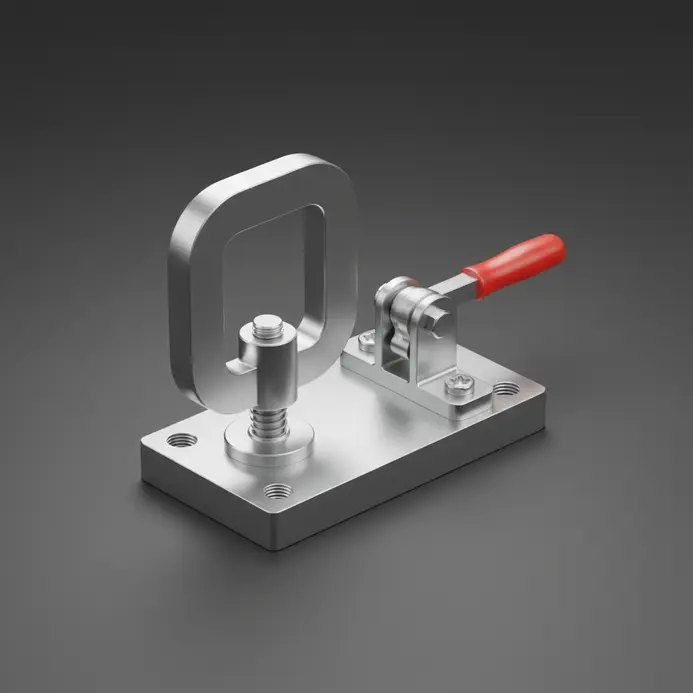
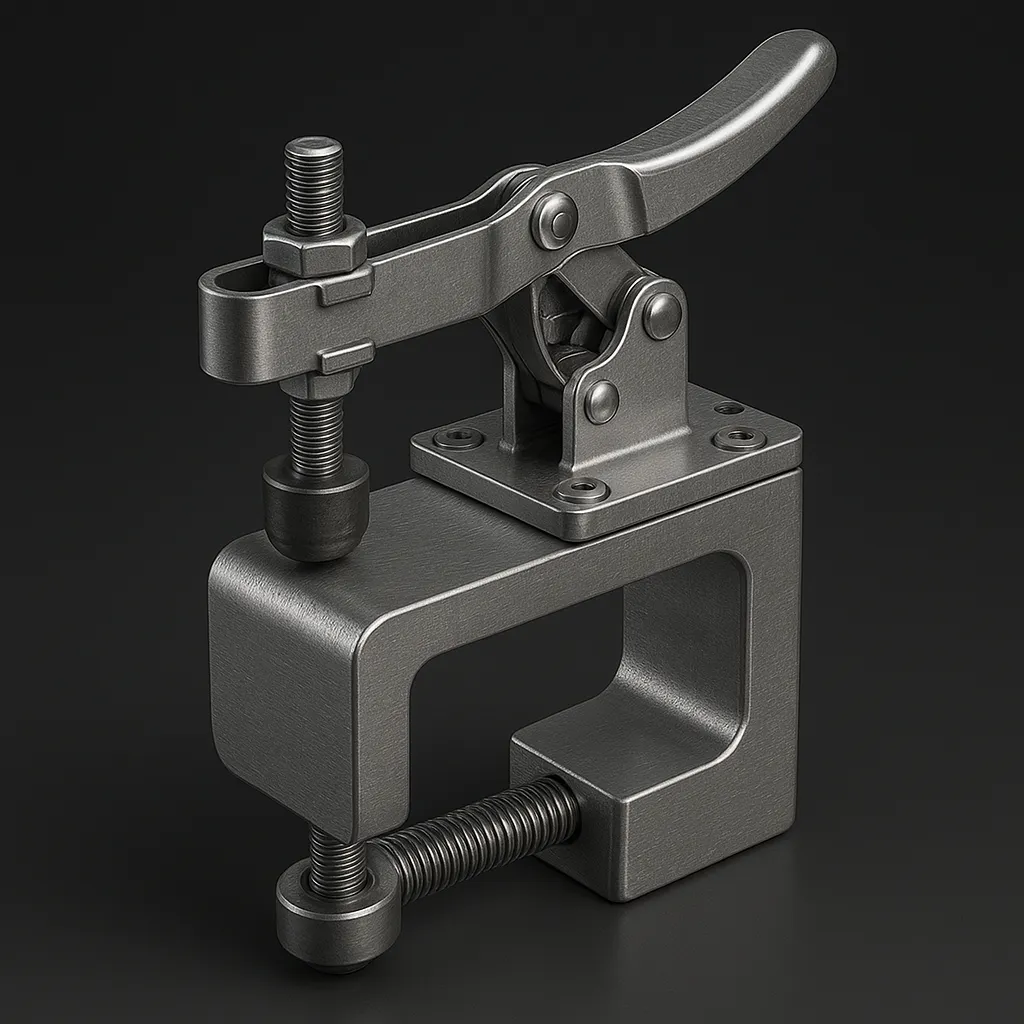
Ensuring absolute stability during manufacturing operations demands robust workholding solutions. Implementing verified clamps and mounting plates prevents material shifting and guarantees precise machining tolerances. Locating 3d cad drawings free download for pneumatic and manual fixtures accelerates workshop planning. Validating fixture interference digitally eliminates costly physical modifications and ensures safe operational clearances.
9. Human Anatomy — Reference Accurate Skeletal and Organ Models for Medical Design
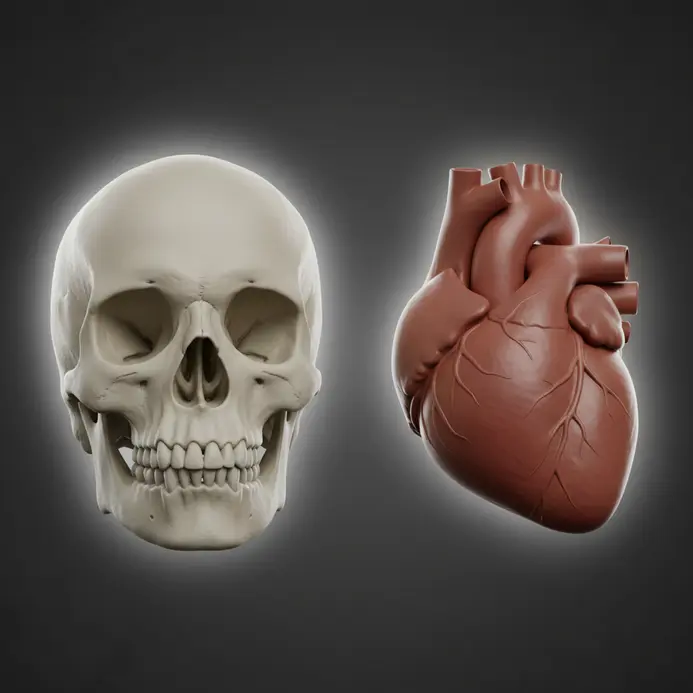
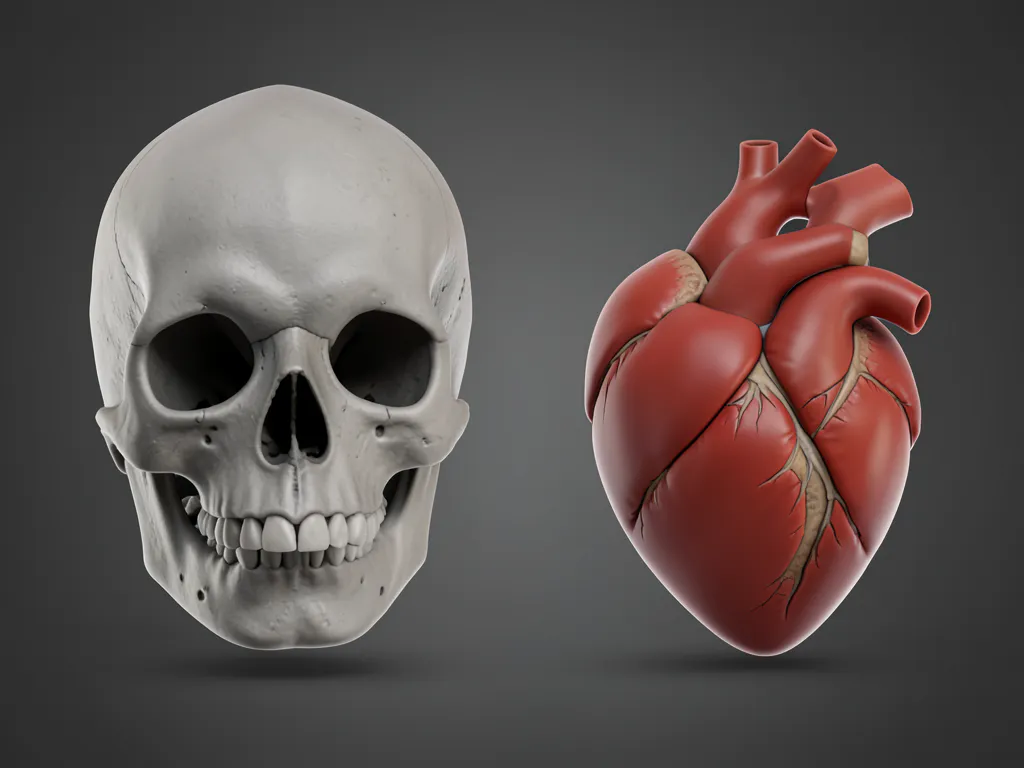
Developing specialized medical devices and educational simulations requires clinically accurate digital representations. Researchers depend on scan-derived models rather than artistic interpretations to guarantee anatomical precision. Downloading a certified 3d cad drawings free download from scientific libraries ensures compliance with regulatory standards. Always review usage agreements and licensing restrictions before integrating anatomical assets into commercial project pipelines.
10. Plant Models — How Can Free Tree and Foliage CAD Files Enhance Environmental Visuals?

Creating immersive digital landscapes demands realistic vegetation distribution and species-specific detailing. Pre-rendered botanical assets eliminate tedious leaf modeling while providing immediate environmental context. Selecting the appropriate 3d cad drawings free download for architectural rendering establishes natural scale references. Combining multiple botanical models prevents repetitive patterns and achieves organic environmental realism.
11. Consumer Product Shells — Model Your Ideas With Free Device Casing CAD Files

Accelerating electronic product design requires precise outer housings that match standard internal component layouts. Utilizing professionally modeled device shells provides an immediate spatial framework for circuit board placement. Accessing a reliable 3d cad drawings free download for consumer enclosures reduces surface modeling workload significantly. Focusing internal design efforts on functional innovation yields faster prototyping cycles and superior product ergonomics.
12. Tooling Shapes — Create Precision With Free Jig and Die CAD Downloads
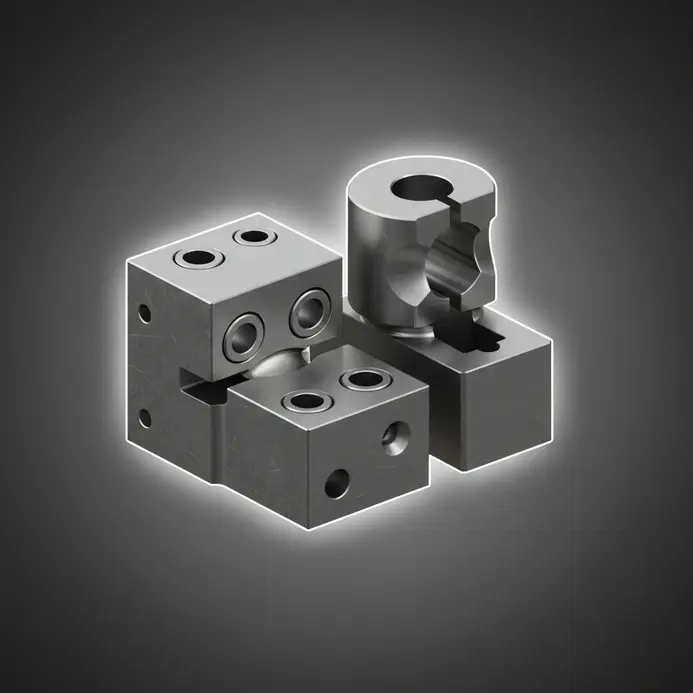
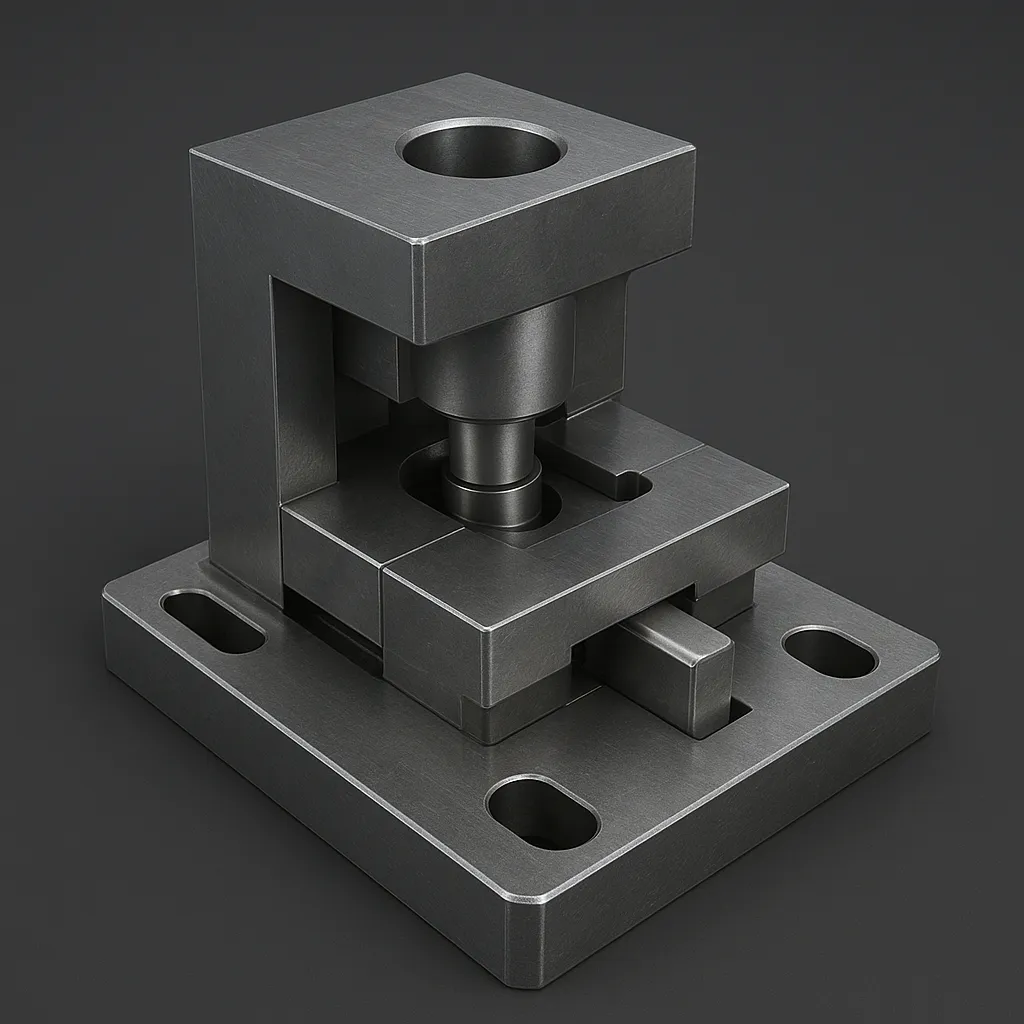
Standardized manufacturing equipment relies on consistent dimensional blocks and precision guide surfaces. Constructing custom jigs from basic components eliminates redundant drafting of standard locating pins. Incorporating 3d cad drawings free download for fundamental tooling shapes streamlines fixture development. Linking digital models directly to supplier inventory guarantees seamless procurement and accurate material substitution.
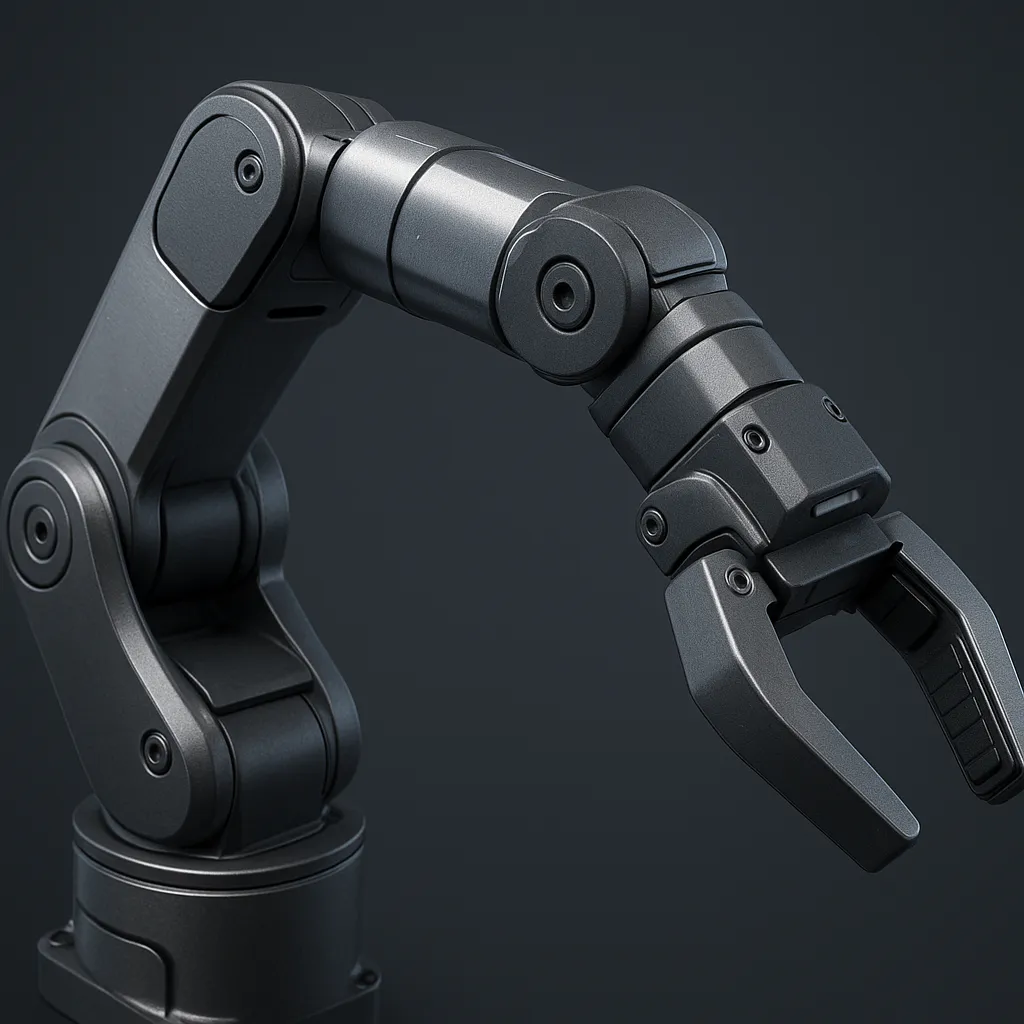
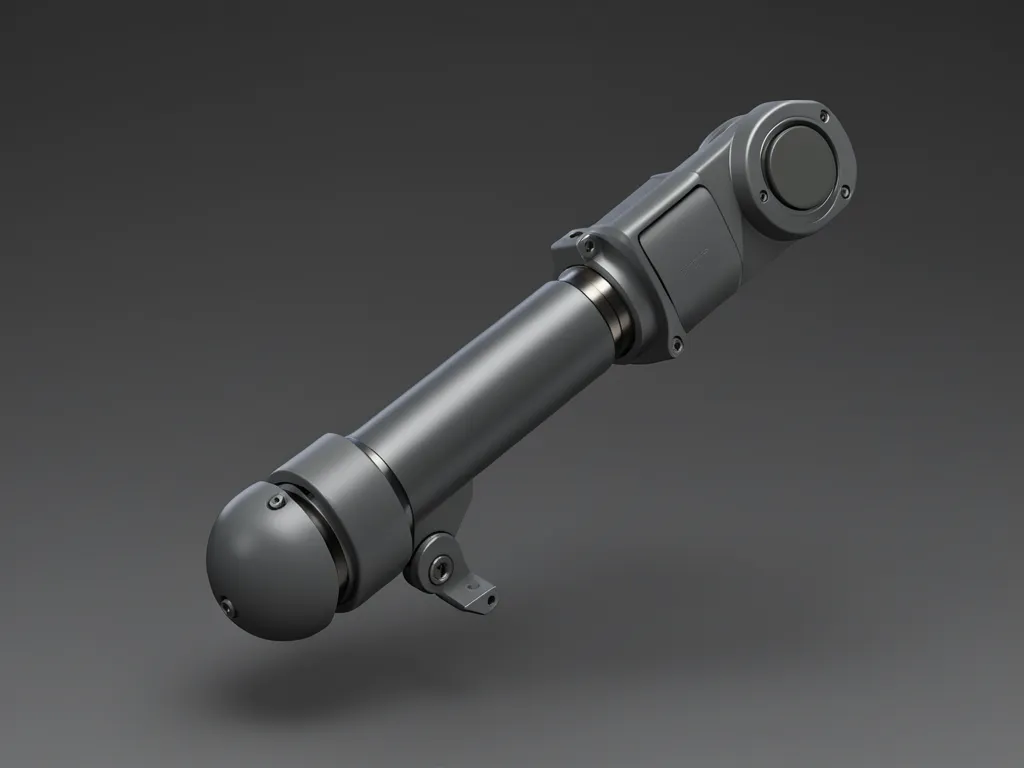
13. Robot Parts — Articulate Your Vision With Free Arm and Joint CAD Models
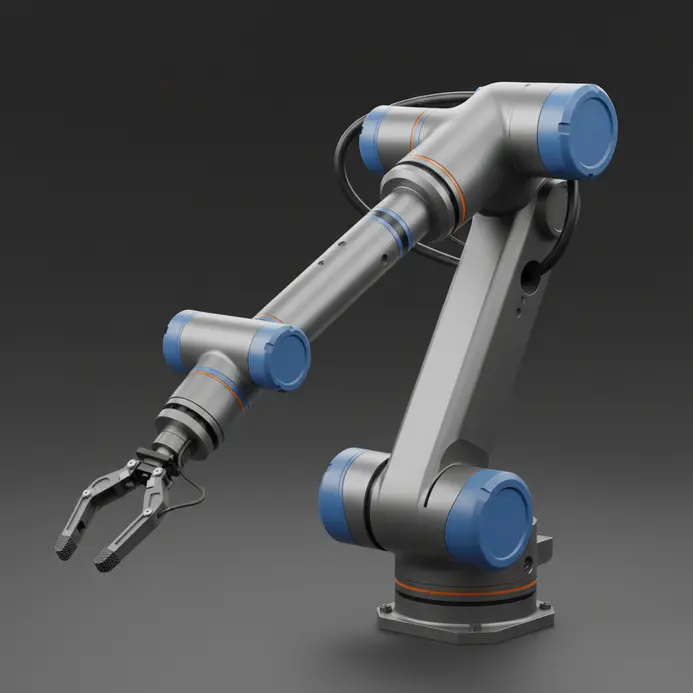
Assembling complex robotic mechanisms requires verified joint clearances and compatible motion constraints. Downloading a comprehensive 3d cad drawings free download package for robotic subsystems provides immediate structural references. Engineering communities share fully articulated assemblies and 3D CAD models that demonstrate proven kinematic solutions. Studying open-source robotic architectures accelerates custom mechanism development and ensures reliable operational parameters.
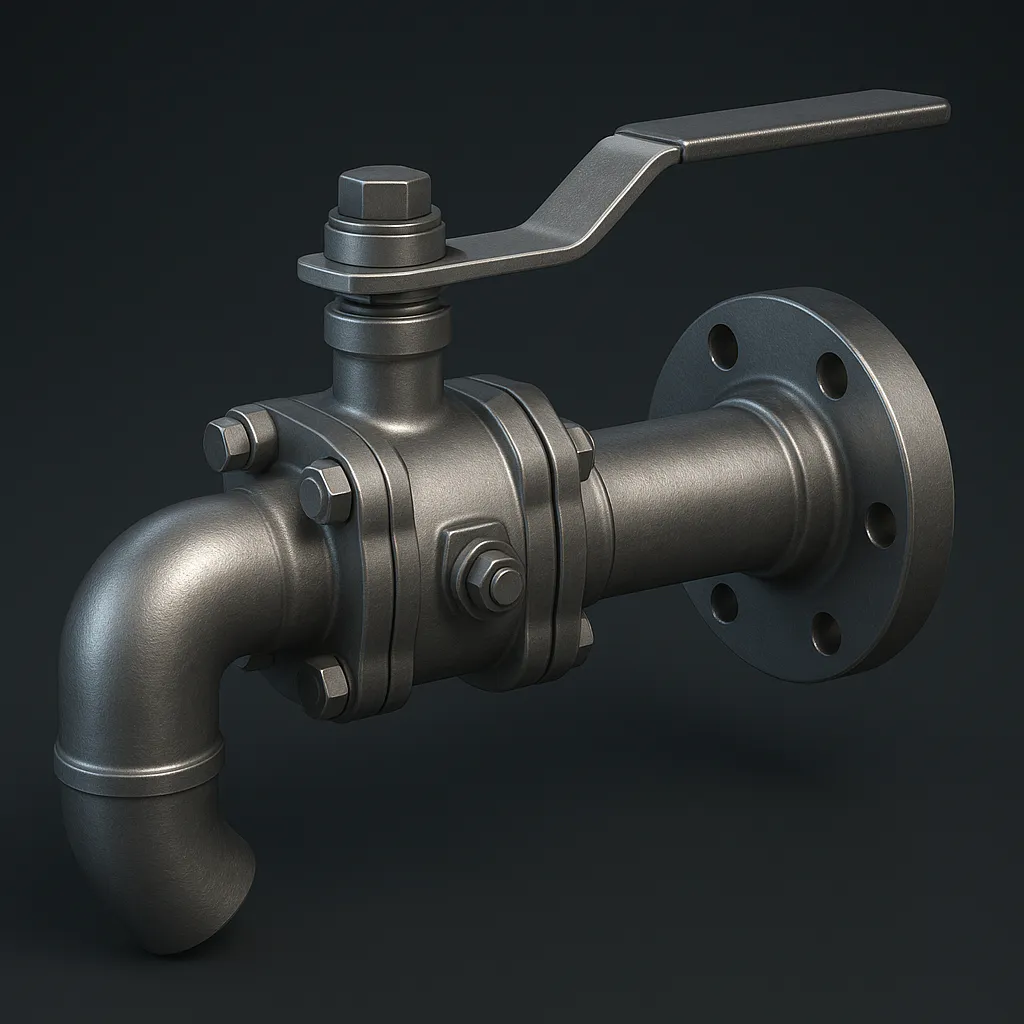
14. Piping and Tubing — The Free CAD Downloads That Route Any Fluid System
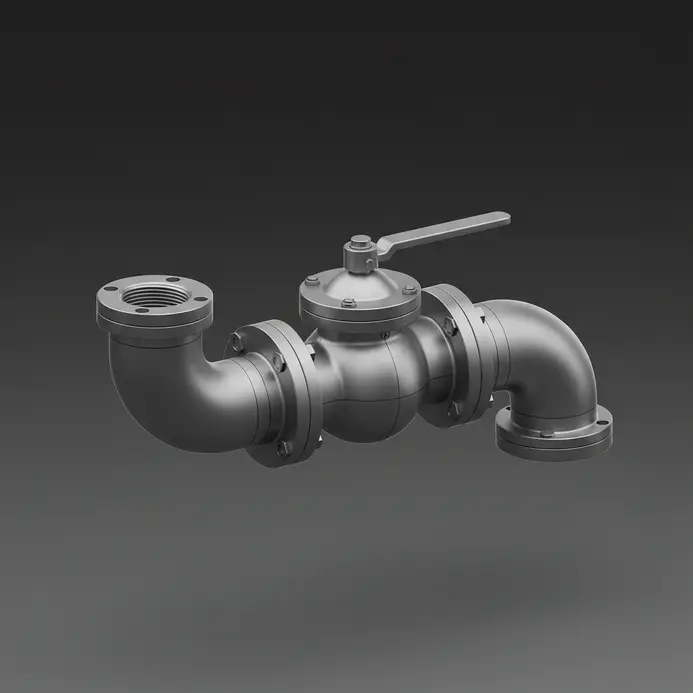
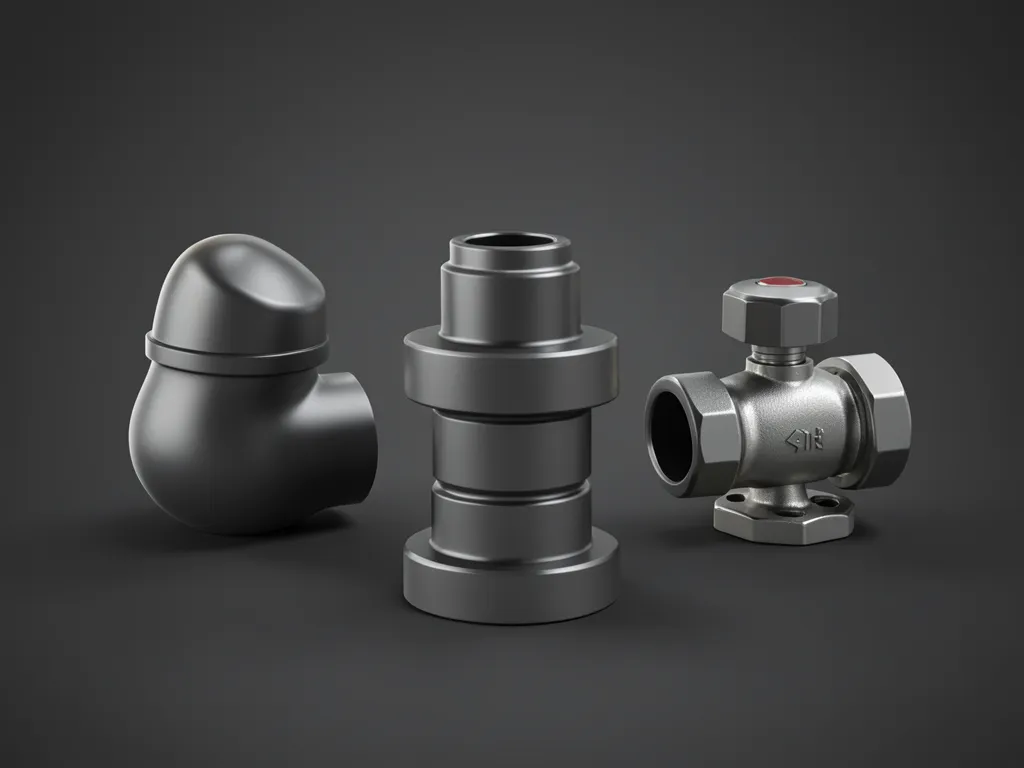
Designing complex fluid networks requires precise dimensional coordination between valves, elbows, and connecting flanges. Routing digital pipelines through obstructed spaces demands standardized fitting libraries to prevent spatial conflicts. Validating digital flow paths before physical procurement eliminates system clashes and reduces fabrication waste. Combining supplier-verified parts with community repositories creates comprehensive routing solutions for complex installations.
15. Sculptural Objects — Incorporate Free Art and Decorative Form CAD Files
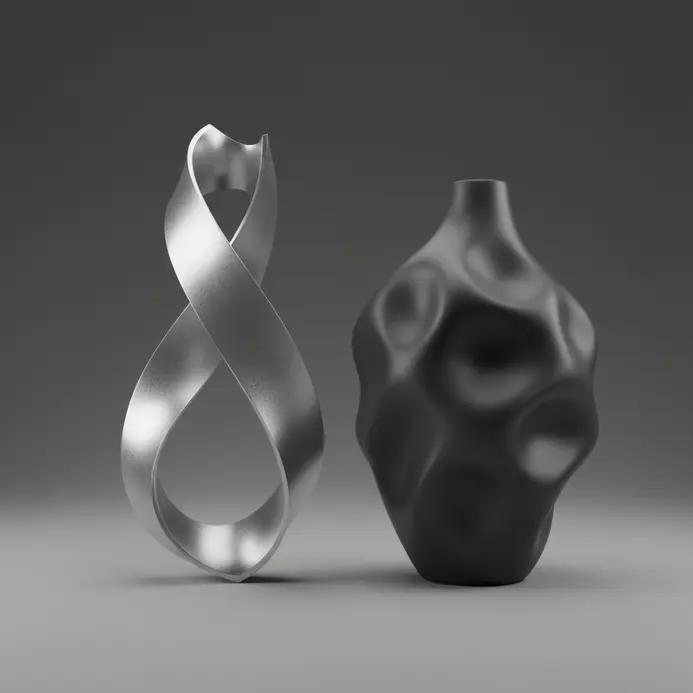
Enhancing technical assemblies with artistic geometry requires complex organic modeling that consumes excessive drafting time. Integrating scanned classical statues or modern abstract forms introduces unique visual elements instantly. Designers browse 3D models to enhance their projects and streamline their design process. digital art repositories to locate high-fidelity meshes suitable for architectural embellishment. Accessing curated model collections bridges technical engineering with pure artistic expression. Reviewing cultural heritage licensing agreements ensures compliant usage while expanding aesthetic design possibilities.
How to Build a Progressive Learning Path with Downloaded CAD Projects
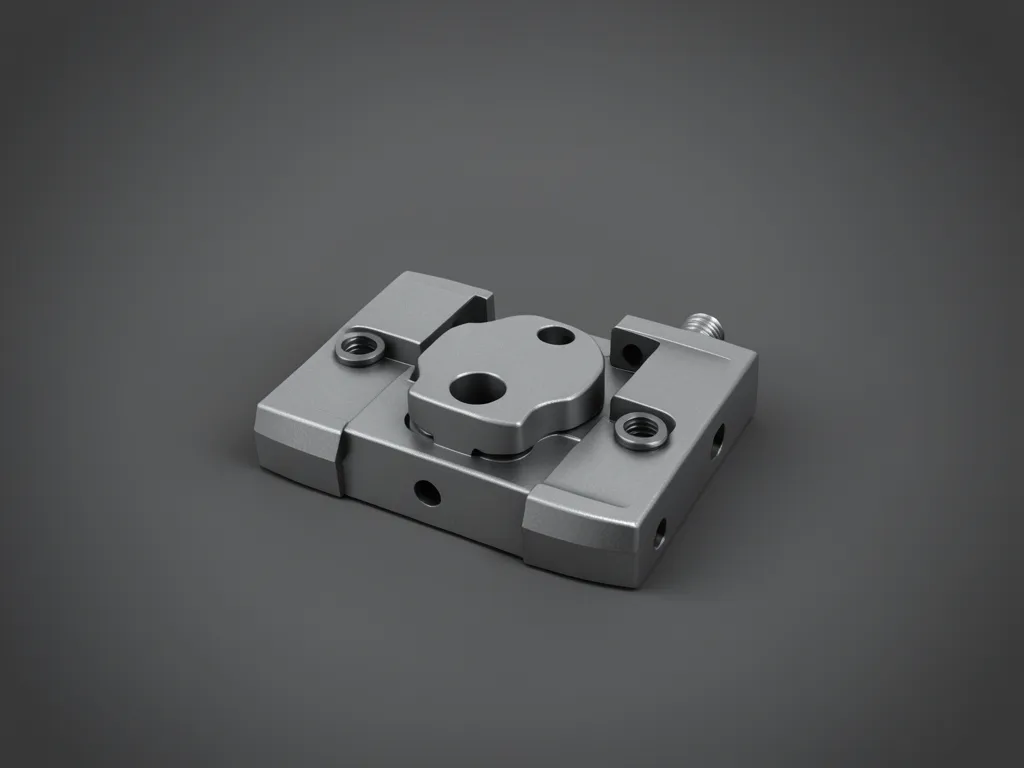
A structured learning progression begins with simple geometry and advances toward complete mechanical assemblies. Study foundational blocks, examine adjustable brackets, and analyze box files with modifiable parameters to understand feature sequencing. Move into multi-part subassemblies to evaluate clearance zones and constraint logic between interacting surfaces. Each downloaded file serves as a technical lesson in pattern tools, surface control, and drafting efficiency. Save editable copies and test single modifications systematically to track software behavior. Developing this analytical habit converts static repositories into continuous skill development opportunities.
More 3D CAD Drawings Gallery








Conclusion
Exploring these extensive resource categories establishes a solid foundation for efficient digital prototyping. From standardized mechanical fasteners to complex sculptural geometries, open-access libraries supply essential components for every design discipline. You must consistently verify file formats and cross-reference measurements before importing models into active projects. Beginning with fundamental assemblies builds technical confidence and streamlines subsequent workflow operations. Leveraging a reliable 3d cad drawings free download strategy guarantees consistent model quality across all creative endeavors.
FAQs
Q: Where can a user find reliable 3d cad drawings free download resources?
A: Users can find reliable 3d cad drawings free download resources on reputable websites that specialize in cad and bim content, such as manufacturer product libraries, engineering and architecture portals, and open-source CAD communities. Look for sites that provide high quality models and product documentation, clear licensing, and download options in common formats like DWG and Revit.
Q: How do I search for free cad drawings and ensure the files are safe to use?
A: When you search for free cad drawings, use targeted queries including file formats (DWG, Revit) and relevant keywords like engineering and architecture or BIM models. Verify the source company or website, check user reviews and download counts, scan downloaded data for malware, and confirm license terms in the document to ensure safe and compliant use.
Q: What is the difference between download 3d cad drawings and downloading BIM models?
A: Download 3d cad drawings typically refers to 2D/3D CAD geometry often in DWG or STEP formats, while BIM models contain richer data for building information modeling, including metadata about materials, performance, and product specifications. Many websites offer both cad and bim files so engineers and architects can choose models and product data appropriate for design and construction workflows.
Q: Can I get free Revit families along with DWG files on the same website?
A: Yes, many sites that provide free cad drawings also offer Revit families and DWG files together. These resources allow engineers and architecture teams to download coordinated models and product content in the format best suited to their BIM workflows. Always check whether the Revit content includes the necessary parameters and high quality geometry before integrating into a project.
Q: How should a company manage downloaded 3d cad drawings and BIM data within a project?
A: A company should establish a document and data management process: catalog downloaded files by source and format, verify metadata and product documentation, configure folder structures for cad and bim assets, and maintain version control. This ensures that models and product data remain consistent and traceable across engineering and architecture teams.